Qridi is a Finnish digital learning portfolio that helps K–12 schools teach, document, and assess the transversal skills children need to thrive in an AI-powered world — beautifully optimised for iPad, iPhone, and Mac.
Teaching the skills AI cannot replace
Curriculum frameworks worldwide agree: creativity, critical thinking, collaboration, and self-regulation are the competences that matter most. The challenge is that evidencing and assessing these skills has always been time-consuming and hard to make visible. Qridi solves that.
Evidence on any Apple device
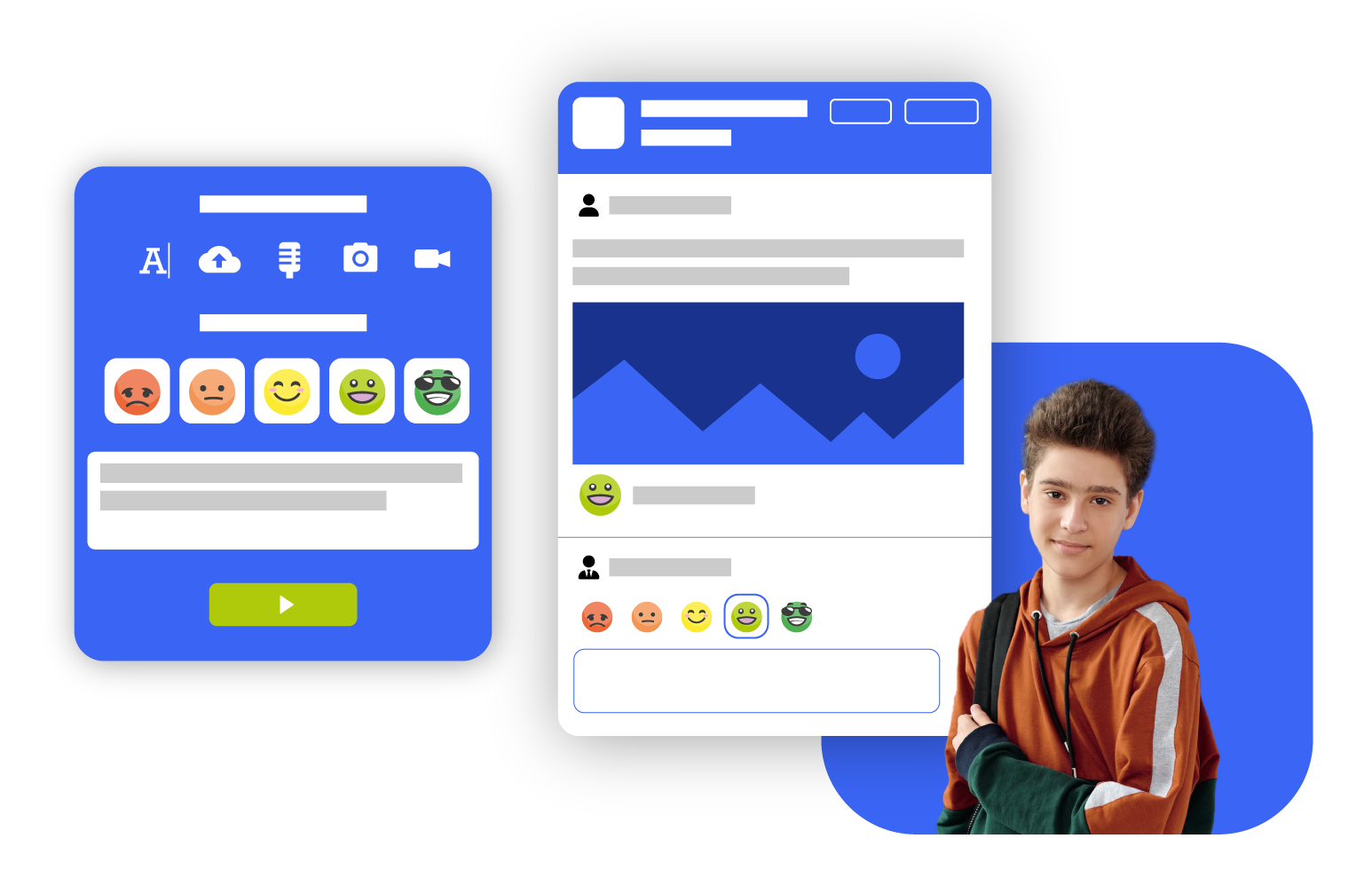
Students capture photos, videos, audio recordings, and written reflections through the Qridi app on iPhone, iPad, or via Safari on Mac — wherever learning happens, in class or beyond.
Real-time skill dashboards
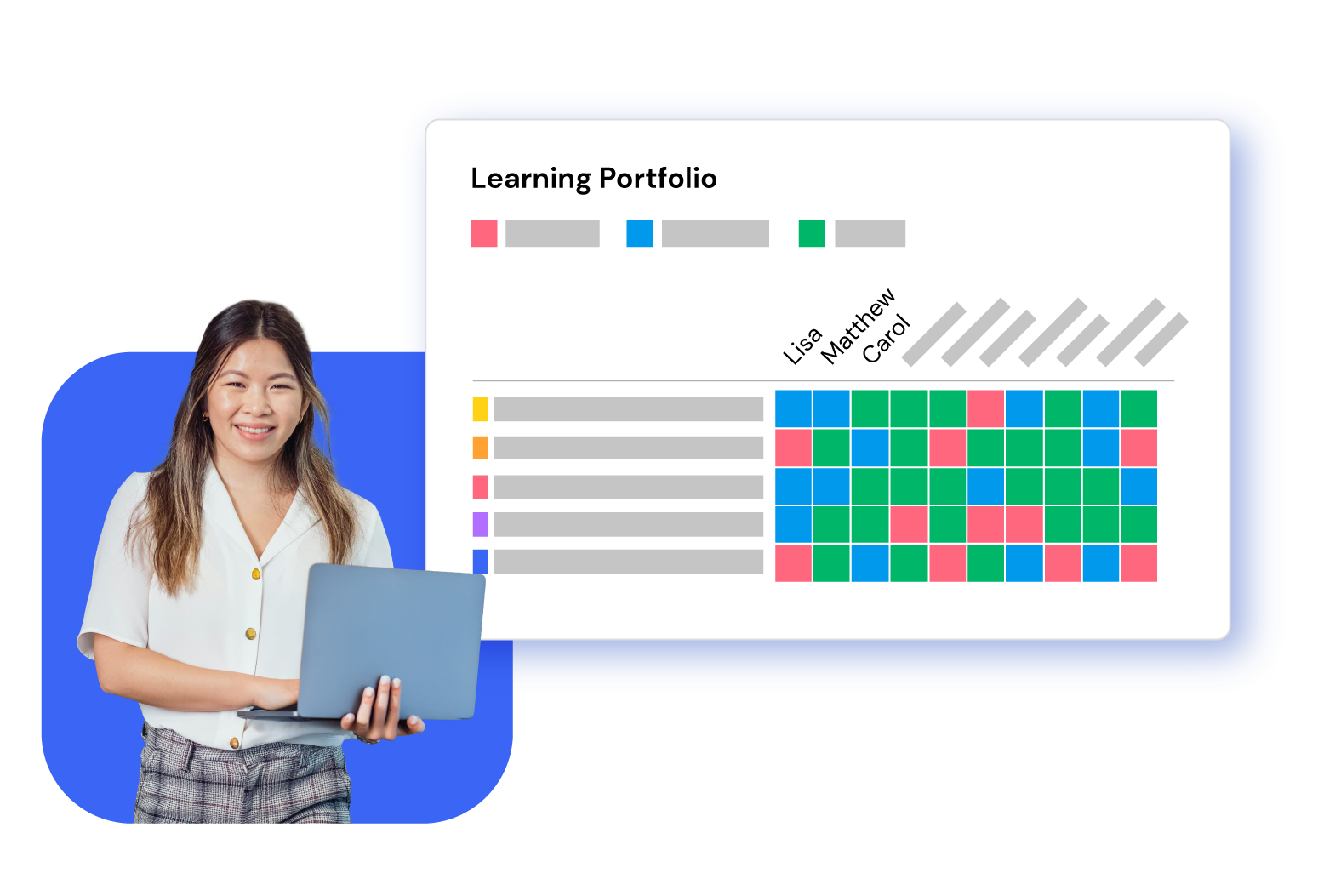
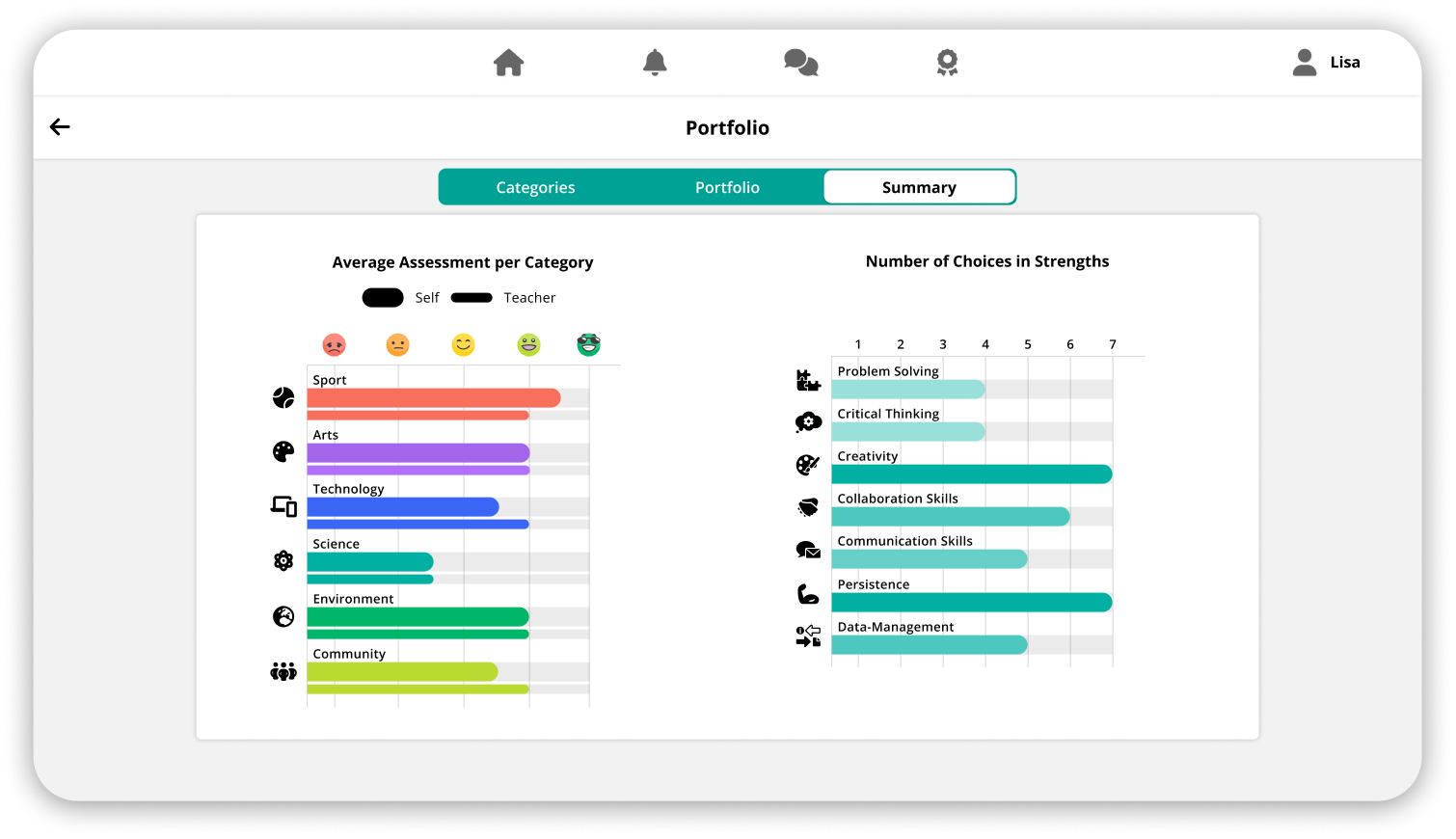
Teachers get a colour-coded heat map of class progress at a glance. Students and parents see spider diagrams and visual summaries that make growth tangible and motivating.
Fully white-labelled & customisable
Qridi adapts to your curriculum framework — IB, European Schools, national curricula, or a school’s own values programme — with ready-made templates and bespoke development options.
Designed for the way Apple devices work in schools
Qridi’s web and native app experience is optimised for the tools and workflows educators and students already use on Apple devices.
APPLE ASSESSMENT MODE
Secure assessments, right inside Qridi
Qridi supports Apple’s Automatic Assessment Configuration (AAC) framework, the same technology trusted by standardised testing providers worldwide. When a student opens a Qridi assessment on iPad or Mac, the device automatically enters a locked, distraction-free environment without any IT setup or MDM configuration required. This means teachers can use Qridi for everything from everyday formative assessment and portfolio submissions to high-stakes skill evaluations — all with the confidence that results are integrity-protected on every Apple device.
Single-app lock, automatically
When a Qridi assessment begins, iPad or Mac locks to the app automatically. Students cannot switch to other apps, search the web, or use messaging — no teacher action needed.
Assistive features disabled
Autocorrect, spell check, Dictionary lookup, screen recording, and sharing are automatically disabled for the duration — preserving the integrity of self-assessments and reflections.
Formative & summative use
Use assessment mode for daily portfolio submissions, skill self-assessments, or end-of-term evaluations. Qridi’s flexible structure supports the full spectrum of classroom assessment needs.
Instant restore on completion
Once the student submits, all standard device features are restored immediately. No proctor intervention or IT support required between assessments.
Additional Apple integrations
iPad & iPhone native app
The Qridi app is available on the App Store and runs natively on iPhone and iPad, giving students a smooth, touch-optimised experience for submitting and browsing their portfolios.
Camera & microphone integration
Students use the iPhone or iPad camera and microphone directly within Qridi to capture and upload photo, video, and audio evidence — no switching apps needed.
SSO & QR code login
Quick login via SSO or QR code makes Qridi accessible even to the youngest learners on shared classroom iPads, with no passwords to remember.
Mac & browser compatibility
Teachers and school leaders can access full class dashboards, give feedback, and manage portfolios from any Mac via Safari — no additional software required.
Files & document uploads
Students attach files from the Files app, Pages documents, Keynote presentations, or any document — making homework, projects, and creative work easy to include as evidence.
Apple School Manager & MDM ready
Qridi can be deployed and managed at scale through Apple School Manager and compatible MDM solutions, supporting school IT teams in managed device environments.
Four steps — from opening the app on an iPad to a school leader seeing progress across an entire cohort.
1. SET UP
Activate a template for your curriculum
Teachers choose from ready-made portfolio templates — IB ATL Skills, PYP Exhibition, MYP Personal Project, STEAM, or a bespoke school framework. Skills, values, and assessment scales come pre-linked. The interface can be fully branded and white-labelled.
2. STUDENTS
Tag, evidence, and self-assess
Students open Qridi on their iPhone or iPad, choose a category, and upload their evidence — photo, video, audio, file, or text. They tag the relevant skills and values, then self-assess using an emoji scale. The familiar social-media-style feed makes it natural for learners of any age.
3. TEACHERS
See progress and give feedback
Teachers get a colour-coded class heatmap: at a glance they can see how many submissions each student has made per category and what their average self-assessment is. They can browse individual portfolios and add their own assessment or audio/text comment — closing the feedback loop in seconds.
4. EVERYONE
Track growth in real time
Students, teachers, parents, and school leaders all see progress through visual summaries — bar charts, spider diagrams, and heat maps filtered by class, year group, or cohort. Data is always live, always accessible on any Apple device, and can be exported or connected to Power BI for deeper analysis.

.png)